Christy Lynn
Quick answer: Nano (XNO, formerly NANO) is available on exchanges such as Kraken and Binance (outside the US). Check availability in your state. Buy it, then move it to a Nano wallet like Natrium or Nault to send it instantly with zero fees.
What is Nano (XNO)?
Nano is a cryptocurrency built for fast, feeless payments. It uses a “block-lattice” design where each account has its own blockchain, and transactions typically confirm in under a second. Its ticker changed from NANO to XNO in 2021, so you may see both.
Where to buy Nano
- Kraken: Visit Kraken, and check that it’s available in your state
- Binance (non-US): Visit Binance
- Other exchanges: look up XNO’s current markets on a crypto data site
Not sure which platform to pick? Compare the best crypto exchanges.
How to buy Nano, step by step
- Choose an exchange that lists XNO and serves your location.
- Create and verify your account with your email, phone and photo ID, and turn on two-factor authentication.
- Deposit money, ideally by bank transfer, which is the cheapest method.
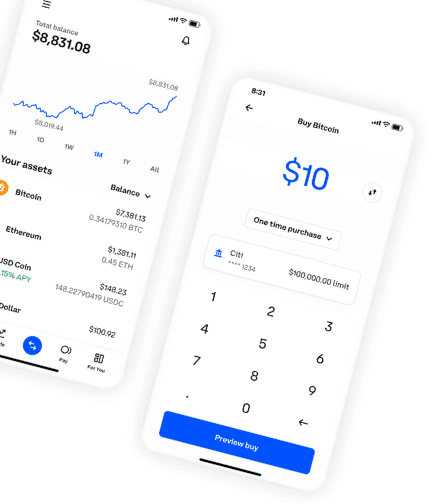
- Buy XNO: search for Nano, enter an amount and confirm. For lower fees, use the exchange’s advanced trading screen and a limit order.
- Move it to your wallet if you plan to hold long term.
How to store Nano
Use Natrium (mobile) or Nault (web), or a Ledger hardware wallet for larger amounts.
Is Nano a good investment?
Nano has strong technology for payments, but limited adoption. It’s a small-cap, speculative asset. Only invest what you can afford to lose, and research before you buy. See how to research cryptocurrency.
Frequently asked questions
Does Nano have fees?
No. Nano transactions are feeless.
Is Nano the same as XNO?
Yes. Nano’s ticker symbol changed from NANO to XNO in 2021.
What is the best Nano wallet?
Natrium for mobile and Nault for web are the most popular.